From words to a render
One prompt, one explicit tap, one image to bring to the salon.
Create a DesignThe studio, step by step
- 1
Enter your design prompt
Type colors, motifs and occasion; tap a shape, length or finish to add it.
Describe your manicure
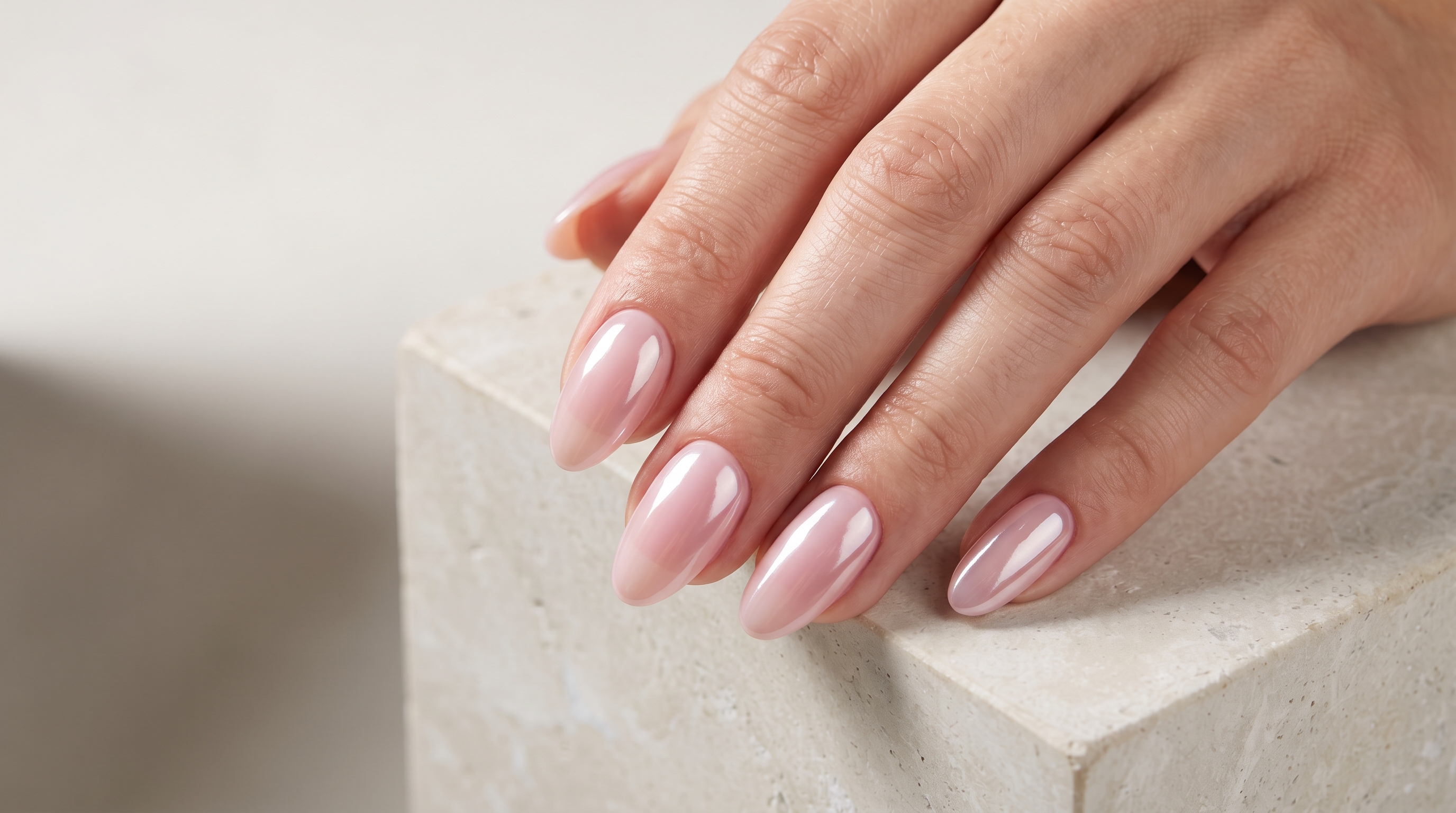
Milky pink base, glazed chrome finish, almond shape
AlmondCoffinSquareGlazed chrome - 2
Generate the visual mockup
Press Generate to render photo-real nails on realistic hands for 5 credits. Nothing runs before that.
Waiting for promptGeneratingReady - 3
Save and share with your artist
Open it full size, or find it under Saved renders at your appointment.
What you need to start
- An account
- Free to create. Accounts start with zero credits.
- Credits
- 5 per render, from one-time packs.
- Your words
- Text only — there is no photo upload or editing.